Etch's Content Hub
Content management dreams do come true – but only for Etch users.
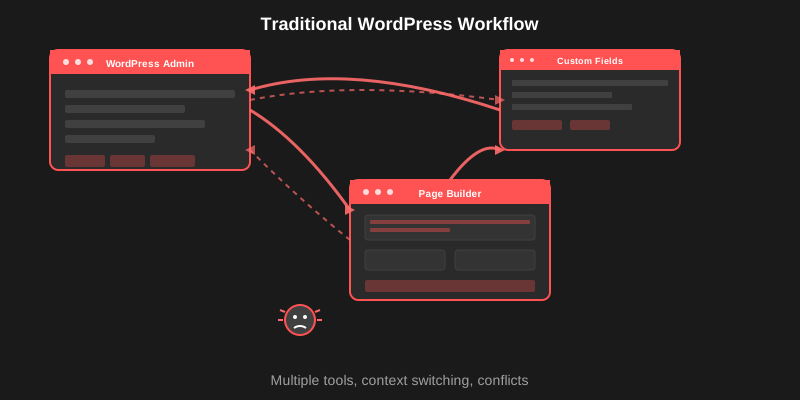
You know that annoying workflow where you’re building a site in your page builder, need to update something simple like a page title or user permission, and have to jump back to the WordPress admin? Then back to your builder. Then back to the admin again.
The Etch builder for WordPress is about to fix that completely. The new Content Hub lets you manage everything from inside the same interface where you’re building your site.
The WordPress Admin Shuffle We All Hate
Here’s what happens way too often: You’re deep into building a client site. Everything’s flowing perfectly. Then you need to:
- Update a page status
- Check who wrote that blog post
- Add a custom field to a post type
- Change user permissions
- Bulk edit a bunch of pages
Where do you go? Back to the WordPress admin.
Then back to your builder. Then maybe to ACF or another plugin. Then back to your builder. You lose focus, lose momentum, and waste time clicking around different interfaces.
It’s inefficient and frankly, pretty annoying.
What Content Hub Actually Does
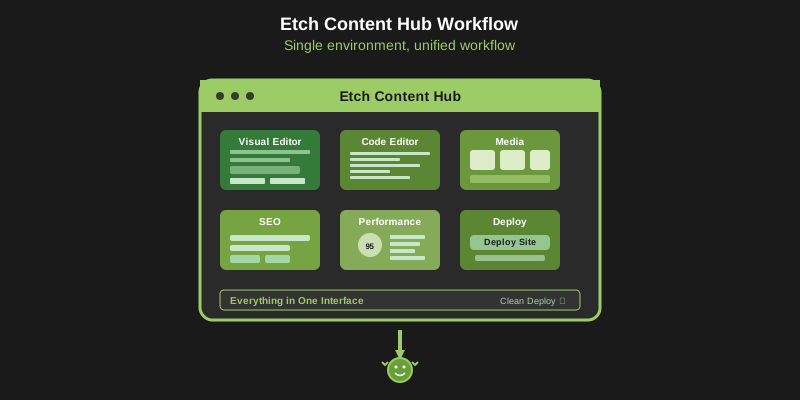
Content Hub keeps you in your building environment. Instead of managing your website across different screens and interfaces, everything happens right where you’re already working.
The Key Features
Manage Content Inline
- Edit pages, posts, and custom post types without switching screens
- Update titles, statuses, authors, and metadata instantly
- Work with the content while you’re designing with it
Clean Table View
- See all your content organized in sortable columns
- Customize what information you want to see
- Find what you need without digging through WordPress menus
Drag and Drop Organization
- Reorder content by dragging it around
- Bulk operations that actually save time
- Visual organization that makes sense
Manage Everything
- All post types (pages, posts, custom posts)
- Custom fields and field groups
- Users and their permissions
- Comments and other site data
- No more jumping between different admin sections
Why This Actually Matters
This isn’t just about convenience. It’s about staying focused on your work instead of fighting with your tools.
No More Tab Switching
When you’re in the zone building a site, you stay in that zone. Content updates become part of your building process instead of interrupting it.
Better for Big Projects
Managing content across large WordPress sites is much easier when you can see everything clearly and make bulk changes without clicking through endless admin pages.
Keeps You in Building Mode
Your brain stays in “builder mode” instead of switching to “admin mode” every time you need to update something simple.
Clients Still Get Simple Editing
While you get this powerful interface, your clients still see the familiar WordPress editor they’re used to. Your advanced tools don’t make things complicated for them.
When Is This Coming?
“But when?!”
Sooner than you might think.
The team is rolling this out piece by piece. Core functionality first, then the advanced features, then deeper integrations with other plugins and tools.
Not everything at once, but things move pretty fast around here.
This Changes How You Work with WordPress
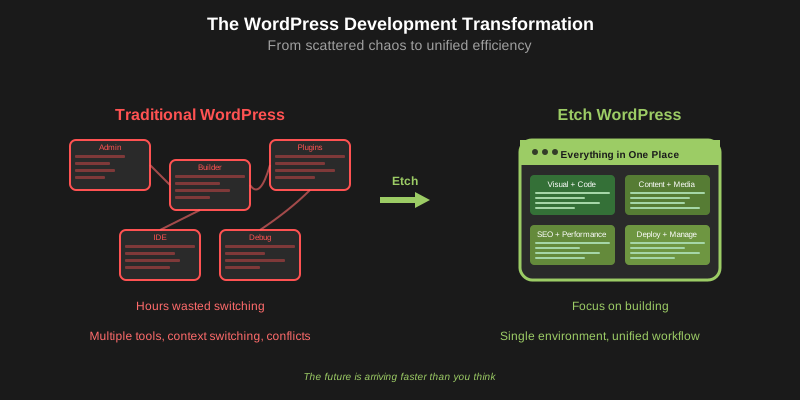
Traditional page builders make you manage your site in multiple places. Etch builder for WordPress brings everything into one place so you can actually focus on building instead of clicking around admin screens.
Content Hub is part of making WordPress development work the way it should: powerful tools that get out of your way and let you work efficiently.
WordPress dreams do come true, but only for Etch users.
Ready to stop jumping between interfaces? The most efficient way to build and manage WordPress sites is getting even better.
Learn more about Etch builder for WordPress at etchwp.com and explore professional templates at etchberg.io